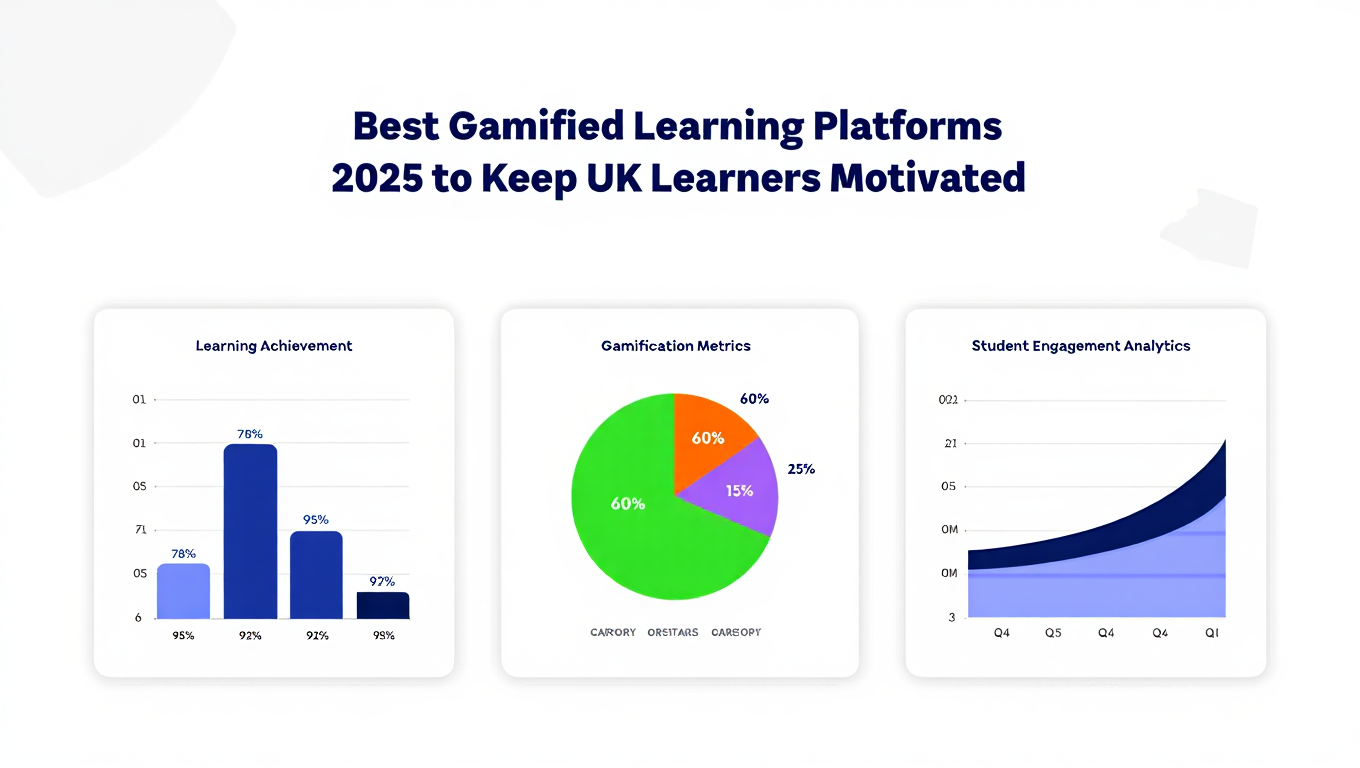
If you’re comparing the best gamified learning platforms for UK teams, schools, or independent learners, you’ve probably noticed the same issue: most platforms claim to increase engagement, yet the results rarely match the promise.
We’ve reviewed dozens of platforms used across UK workplaces, academies, colleges, and training providers. After filtering through feature sets, user feedback, pricing structures, and long-term retention data, we’ve narrowed it down to the top 20 gamified learning platforms for 2025.
This list is ideal for UK learning managers, HR teams, curriculum designers, corporate trainers, digital course creators, and education-sector freelancers who need training that people actually finish.
Two important stats shaping this list:
- A 2024 UK Learning Report found that 65 percent of staff complete gamified modules, compared to just 30 percent for standard e-learning.
- Schools using structured gamification saw 22 percent gains in concept recall, according to data from the Education Endowment Foundation.
This listicle includes quick-scan tables, tool-by-tool breakdowns, pricing notes, and guidance on who each platform suits.
What Are Gamified Learning Platforms?
Gamified learning platforms are digital training or education systems that use mechanics like points, quests, streaks, challenges, badges, rewards, level-ups, and competitions to encourage steady learning behaviour. These platforms matter because UK learners respond strongly to interactive formats that simulate progress. The structure keeps users on track, reduces drop-off, and supports measurable learning gains.
Businesses, universities, and schools rely on these platforms to improve participation, support assessment cycles, and meet performance objectives without forcing learners through dry modules or repetitive worksheets.
Quick Comparison Table
For gamified learning platforms, UK buyers primarily compare use case, starting price, availability of a free trial, core gamification strength, and rating. These reflect the way most procurement teams shortlist platforms.
| Platform | Best For | Starting Price | Free Trial | Key Gamified Feature | Rating |
| Kahoot | Classrooms | £0 | Yes | Live challenges | 4.7 |
| Duolingo for Schools | Language learning | £0 | Yes | XP streak system | 4.8 |
| Quizizz | Formative assessment | £0 | Yes | Power-ups | 4.6 |
| Classcraft | Behaviour management | £96/yr | No | Character-based quests | 4.5 |
| Prodigy | Maths | £0 | Yes | Adventure progression | 4.7 |
| Brainscape | Revision | £7/mo | Yes | Smart repetition | 4.6 |
| TalentLMS Gamification | Workplace training | £59/mo | Yes | Points, badges, leaderboards | 4.6 |
| Docebo | Enterprise L&D | Custom | No | Social rewards | 4.4 |
| LearnDash | Course creators | £159/yr | No | Badges + points | 4.5 |
| Moodle with Gamification Plugins | Universities | £0 | N/A | Badge integrations | 4.4 |
| EdApp | Mobile workforce | £0 | Yes | Daily streaks | 4.7 |
| Seppo | Scenario-based learning | €49/mo | Yes | GPS missions | 4.5 |
| Quizlet | Revision | £0 | Yes | Match games | 4.6 |
| ClassDojo | Primary schools | £0 | Yes | Points for behaviour | 4.8 |
| Lingopie | Language via video | £10/mo | Yes | Streak rewards | 4.4 |
| GooseChase | Team building | £0 | Yes | Interactive missions | 4.7 |
| Habitica for Education | Homework tracking | £0 | Yes | RPG character growth | 4.6 |
| Xperiencify | Course creators | £37/mo | No | Progress triggers | 4.5 |
| Nearpod | Interactive lessons | £0 | Yes | Time-bound quests | 4.6 |
| Blooket | Class games | £0 | Yes | Live game modes | 4.8 |
Best Gamified Learning Platforms for UK Learners in 2025
Here are the 20 platforms we’ll cover:
- Kahoot
- Duolingo for Schools
- Quizizz
- Classcraft
- Prodigy
- Brainscape
- TalentLMS Gamification
- Docebo
- LearnDash
- Moodle Gamification Plugins
- EdApp
- Seppo
- Quizlet
- ClassDojo
- Lingopie
- GooseChase
- Habitica for Education
- Xperiencify
- Nearpod
- Blooket
Kahoot – Fast-Paced Learning Games for Classrooms and Teams
Kahoot remains one of the best-known names in the best gamified learning platforms category, especially across UK schools and workplace training teams. It delivers quiz-based learning using live competitions, quizzes, polls, challenges, and learner-paced modes. Teachers, L&D teams, revision tutors, and onboarding managers across the UK rely on Kahoot because it’s familiar, easy to adopt, and consistently raises engagement levels during sessions.
This Kahoot review section also covers Kahoot pricing, Kahoot alternatives, and comparisons like Kahoot vs Quizizz.
Key Features
Live Challenge Mode
Kahoot’s live mode turns any lesson into a fast-paced competitive session where learners race through questions. This format works particularly well for classrooms and workplace sessions where you need immediate energy and focus. Many UK teachers report improved participation simply because learners enjoy the structure.
Learner-Paced Assignments
Beyond live quizzes, Kahoot Assignments allow individuals to work through content independently. This feature supports revision cycles, homework, and asynchronous workplace learning while still keeping the gamified points and leaderboard system active.
Question Variety
Kahoot supports multiple-choice, polls, true-or-false, slides, and puzzle-style questions. This makes it easier for lesson planners and L&D leads to build sessions without relying on a single format. When comparing Kahoot vs Mentimeter, this flexibility is one of Kahoot’s biggest strengths.
Reports and Analytics
Kahoot’s reporting dashboard helps UK teachers and training teams pinpoint gaps in understanding. It logs accuracy, question difficulty, completion levels, and learner performance trends. These insights support planning next lessons or retraining steps.
Team Mode
Team Mode lets groups collaborate during a challenge. This is widely used in UK corporate training to break up onboarding days or re-engage staff during longer sessions. It encourages group accountability and keeps morale up across blended teams.
Pros & Cons
| Pros | Cons |
| Very easy for UK learners to adopt | Limited depth for longer curriculum programmes |
| Free plan covers core features | Branding customisation requires paid plans |
| Strong gameplay mechanics | Some question types locked behind premium tiers |
| Works well across devices | Leaderboards may not suit every learning environment |
Pricing
- Free plan available
- Kahoot+ Start: approx £7.99 per month
- Kahoot+ Premier: approx £19.99 per month
- Kahoot 360 (business): custom pricing
UK schools often use the free plan, while corporate L&D tends to choose 360 for scalability.
Best For UK Classrooms and Training Sessions Focused on Quick Engagement
Kahoot suits users who need instant interaction without heavy setup.
- UK primary and secondary teachers — straightforward session setup.
- Colleges — rapid quiz cycles that support Key Stage and GCSE revision.
- Corporate L&D teams — energising team sessions and onboarding.
- Training providers — quick quizzes during longer learning sessions.
- Course creators — live Q&A engagement during webinars.
A smart way to use Kahoot is to run a short challenge at the start of each session to measure prior knowledge. Many teachers use this to tailor the rest of the lesson without spending time on manual assessment.
How to Use Kahoot for UK Lesson Reinforcement
One highly effective approach is creating a mini “end-of-week challenge” that covers everything taught in the last five days. It keeps material fresh and gives teachers a simple record of who needs additional support. Corporate trainers use the same pattern for compliance refreshers.
Kahoot remains a front-runner among the best gamified learning platforms for the UK because of its speed, familiarity, and reliable learner engagement.
Best Alternate Tool
Quizizz is the closest Kahoot alternative, offering more depth in homework and personalised learning. Many UK educators use both, depending on lesson structure.
Duolingo for Schools – Structured Language Learning with XP, Streaks, and Classrooms
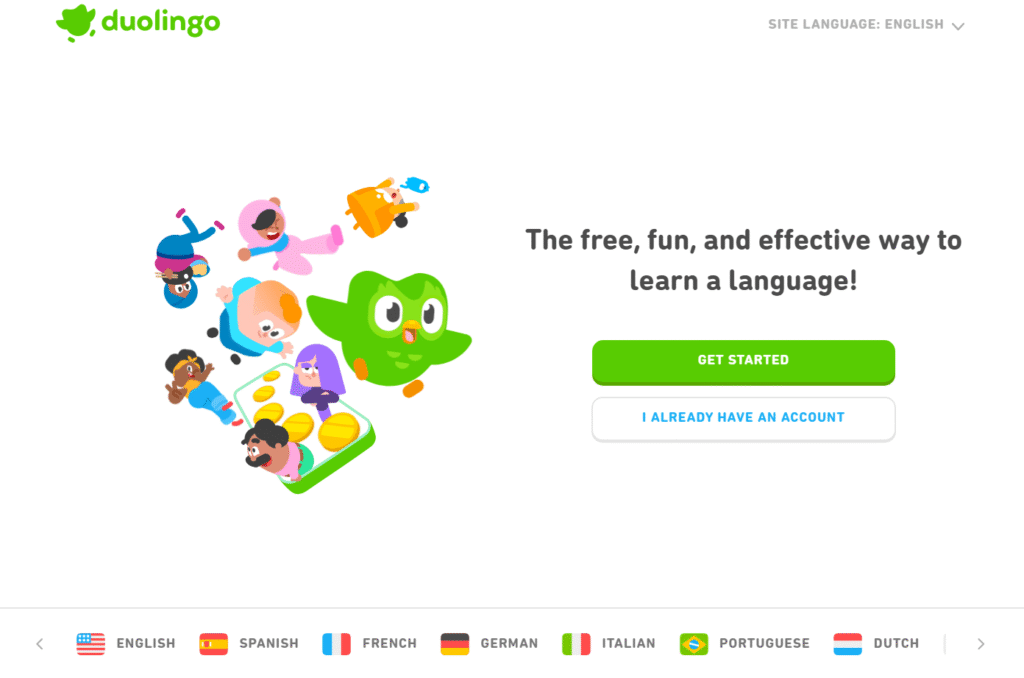
Duolingo for Schools is a classroom-friendly version of the language app already used widely across the UK. It offers a structured dashboard where teachers can track progress, assign work, and monitor streaks. In UK classrooms, it’s popular for Key Stage 2, secondary language modules, and revision sessions where teachers need steady progress without creating manual worksheets.
This Duolingo for Schools review section also covers Duolingo pricing, Duolingo alternatives, and matchups such as Duolingo vs Lingopie.
Key Features
XP Streak System
Duolingo’s XP system is at the heart of its gamification. Learners earn XP for completing lessons, maintaining streaks, and returning each day. UK teachers use this to encourage routine behaviour, helping students practise little and often, which is proven to build stronger vocabulary retention.
Classroom Dashboard
The dashboard gives teachers visibility over accuracy, completion, streaks, time spent, and skill units. It removes the need for manual tracking and gives UK language teachers a structured view of progress so lessons can adapt quickly to where pupils are struggling.
Assignments and Targets
Teachers can assign specific lessons and set deadlines, ensuring students don’t wander off-track inside the app. This adds structure to homework cycles and supports consistent practice during school holidays.
Native Pronunciation Exercises
The speaking exercises help refine pronunciation through short, repeatable tasks. This is widely used across UK secondary classrooms where students need more consistent speaking practice than weekly lessons typically allow.
Reward Loops
Learners collect gems, badges, and ranks. These rewards keep motivation high even during longer units, which is a key reason Duolingo for Schools remains one of the strongest contenders on any list of the best gamified learning platforms.
Pros & Cons
| Pros | Cons |
| Strong motivation loops (XP, streaks, leaderboards) | Some features require the paid version |
| Works well on phones and tablets | Short lessons mean teachers may need supplementary material |
| Free for schools | Limited long-form grammar explanations |
| Easy class setup | Not ideal for advanced learners |
Pricing
- Duolingo for Schools: Free
- Duolingo Super: approx £6.99 per month (optional for individuals)
Schools typically run entirely on the free version, which is one of its biggest draws.
Ideal for UK Classrooms and Students Learning Languages Independently
Duolingo for Schools shines where short, consistent language practice is essential.
- UK primary schools — basic vocabulary and reading practice.
- Secondary MFL departments — routine homework and streak-based revision.
- GCSE students — accessible practice that fits around busy schedules.
- Adult learners — low-pressure repetition.
- Tutors — ready-made lesson reinforcement.
A useful trick many UK teachers use is “XP competitions” over half-term. The class with the most combined XP wins a small prize. It keeps students practising even outside school hours.
How to Use Duolingo for Schools for Structured UK Language Homework
Set weekly assignment units tied directly to curriculum topics. Term-long streak targets work especially well for groups where consistency matters more than raw volume of work.
Duolingo for Schools earns its place among the best gamified learning platforms because it makes daily practice frictionless and measurable.
Best Alternate Tool
Lingopie is the closest alternative for UK learners who prefer video-based immersion with subtitles and vocabulary reviews.
Quizizz – Gamified Quizzes with Power-Ups and Self-Paced Learning
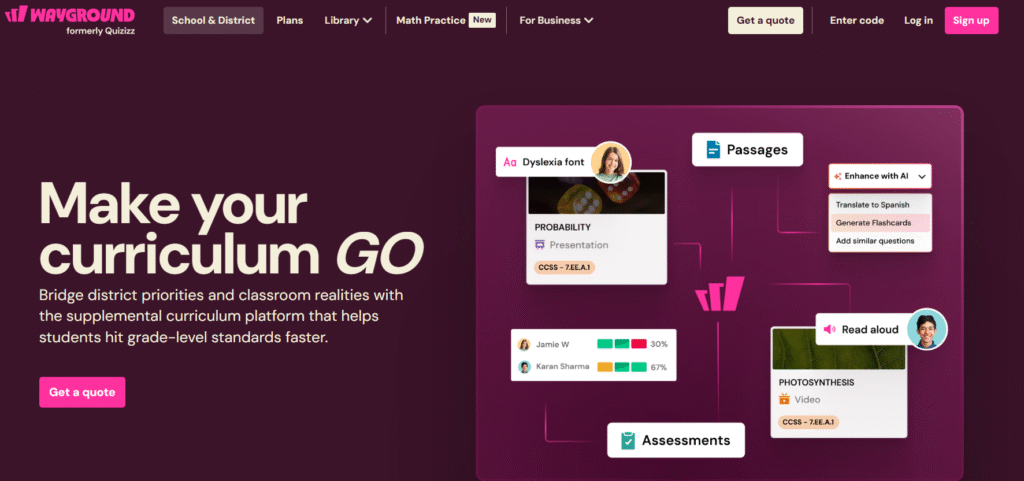
Quizizz is widely used across UK classrooms because it blends assessments, quizzes, homework, and live games into a single interface. It stands out for its self-paced format, power-ups, and detailed reporting. Many teachers consider it a stronger homework tool than Kahoot, which is why comparisons like Quizizz vs Kahoot are common when selecting the best gamified learning platforms for UK learners.
This Quizizz review covers features, pricing, alternatives, and practical use cases.
Key Features
Self-Paced Quiz Mode
Quizizz lets learners work through questions independently, making it ideal for homework, revision, and in-class differentiation. UK teachers use this mode to keep mixed-ability classes moving at their own pace without slowing anyone down.
Power-Ups for Motivation
Power-ups such as Double Jeopardy or Time Freeze help learners gain advantages during a quiz. These mechanics keep engagement high, especially during longer topics or challenging subjects. The playful design helps maintain interest across Key Stage and GCSE-level content.
Large Resource Library
Quizizz offers an extensive bank of ready-made quizzes for UK subjects including maths, English, science, geography, and citizenship. Many schools use these to cut planning time and provide quick alternatives during busy periods.
Analytics and Reporting
The reporting tools let teachers track accuracy, topic-level performance, question difficulty, and time spent. It’s useful during assessment weeks where staff need actionable data quickly.
Homework Assignments
Assignments allow teachers to schedule quizzes with deadlines and visibility over completion. Many UK schools run weekly Quizizz homework because it maintains progress without manual marking.
Pros & Cons
| Pros | Cons |
| Excellent for homework and independent revision | Some school features behind paid plans |
| Power-ups add strong motivation | Interface can feel busy for younger learners |
| Large UK-aligned content library | Live mode less energetic than Kahoot |
| Detailed reporting | Occasional question quality variation in community sets |
Pricing
- Free plan available
- Quizizz School & District plans: custom pricing
- Individual educator upgrades start around £6 per month
Most UK schools start on the free tier before upgrading for more assignment options and reporting depth.
Best For UK Teachers Needing Ongoing Homework, Revision, and Assessment Data
Quizizz suits classrooms where homework and data need to run smoothly with minimal admin.
- Secondary teachers — homework cycles that fit GCSE revision.
- Primary teachers — quick assessments with instant marking.
- Multi-academy trusts — consistent data across campuses.
- Tutors — flexible revision tools for mixed-ability groups.
- Workplace trainers — self-paced modules for compliance themes.
A strong method is setting “topic mastery cycles” where students repeat quizzes until they hit a threshold score. The built-in power-ups keep them motivated during repeated attempts.
How to Use Quizizz for UK Curriculum Mapping
Many UK departments tie their Quizizz sets directly to scheme-of-work weeks. This structure lets them track whether certain year groups or classes lag behind on specific topics before formal assessments begin.
Quizizz earns a clear position within the best gamified learning platforms list due to its homework strength and reliable learner-paced flow.
Best Alternate Tool
Nearpod is the closest alternative for teachers who want interactive lessons rather than purely quiz-based activities.
Classcraft – Narrative-Based Behaviour and Learning Gamification
Classcraft is a behaviour-driven gamification system used across UK primary and secondary schools to shape classroom routines, improve participation, and encourage positive conduct. Instead of relying strictly on quizzes, it uses characters, storylines, quests, and points to guide learners through tasks. Many teachers across the UK use Classcraft alongside curriculum platforms to keep engagement high in daily routines.
This Classcraft review includes Classcraft pricing, Classcraft alternatives, and comparisons such as Classcraft vs ClassDojo.
Key Features
RPG-Style Character Progression
Each learner selects a character type with strengths and abilities. As they complete tasks, behave well, or contribute to group work, they gain points. This format works extremely well for KS2 and lower secondary years, helping teachers manage behaviour while keeping motivation steady.
Customisable Quests
Classcraft lets teachers build quests that function like branching stories. Each step ties to tasks, learning material, or classroom goals. UK teachers often use this to turn a weekly scheme of work into a quest map, giving pupils a clear route through topics.
Behaviour Tracking and Rewards
Positive actions earn points; negative actions deduct health. This consistent structure helps teachers manage classrooms without repeating verbal instructions throughout the day. Many schools use Classcraft as part of their behaviour policy due to its clear rules and reward loops.
Team Collaboration
Classcraft encourages learners to work in teams that progress together. If one student falls behind, the whole team feels the impact. UK teachers frequently report improved cooperation because students actively support one another.
Parent Access
Parents can see behaviour notes, progress, and tasks. This is useful for schools working toward stronger home communication without adding extra admin work.
Pros & Cons
| Pros | Cons |
| Strong behaviour-management features | Setup requires planning time |
| Story-driven quests support learning flow | May not suit older year groups |
| Encourages teamwork over solo competition | Some features require paid plan |
| Engaging for KS2 and KS3 | Not ideal for rapid-fire assessments |
Pricing
- Free plan available
- Premium plans start around £96 per year per teacher
- School-wide licensing varies
Many UK schools start with the behaviour-focused free version before expanding to quests.
Best For UK Teachers Needing Structured Behaviour Management with Gamification
Classcraft works especially well where engagement and behaviour both need support.
- UK primary teachers — steady behaviour routines.
- KS3 teachers — team-based motivation during longer tasks.
- SEN groups — predictable feedback loops.
- After-school clubs — narrative-based learning tasks.
- Pastoral leads — consistent record-keeping.
One widely used strategy is pairing Classcraft quests with weekly curriculum targets. A quest path keeps students focused while the reward structure encourages steady work throughout the week.
How to Use Classcraft to Support UK Behaviour Policies
Many UK schools use Classcraft’s points system to replace physical reward charts. It offers clearer structure, better tracking, and far more consistent motivation than paper systems.
Classcraft remains one of the strongest entries in the best gamified learning platforms list for UK classrooms focused on behaviour and steady progress.
Best Alternate Tool
ClassDojo is the closest alternative for UK primary settings that want behaviour tracking without RPG elements.
Prodigy – Maths Adventure Game for Primary and Lower Secondary Learners
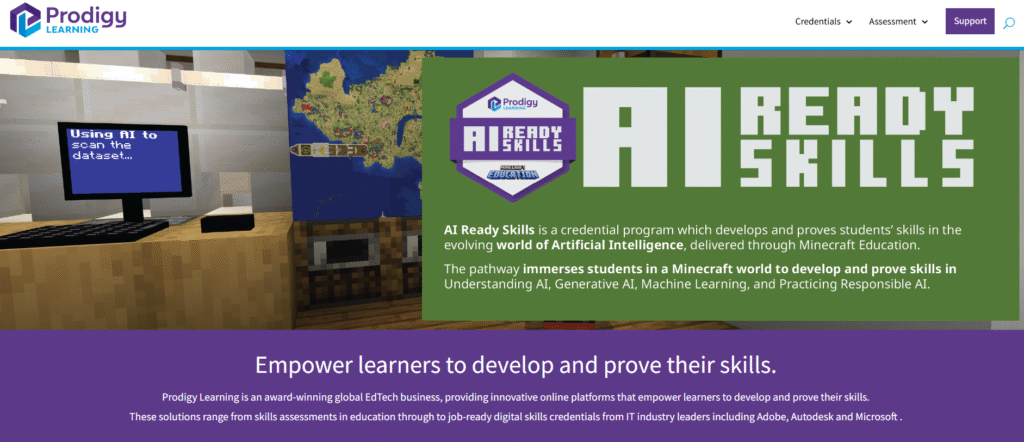
Prodigy is one of the most widely adopted maths-focused entries among the best gamified learning platforms used in UK primary schools. It blends curriculum-aligned maths questions with a fantasy-style adventure. Pupils answer questions to progress through battles, quests, rewards, and character upgrades. UK teachers often use Prodigy to reinforce mastery during lessons, morning work, interventions, and homework cycles.
This Prodigy review includes Prodigy pricing, Prodigy alternatives, and comparisons such as Prodigy vs Mathletics.
Key Features
Curriculum-Aligned Question Engine
Prodigy adapts questions according to each learner’s level, using a curriculum-aware engine matched to UK learning stages. This saves teachers planning time, and ensures pupils receive work that suits their current level without manual differentiation.
RPG-Style Progression
Learners battle monsters, collect items, and progress through story areas by answering maths questions correctly. The adventure theme keeps motivation steady across longer topics such as fractions, place value, or multi-step word problems.
Real-Time Data Dashboard
The dashboard lets UK teachers track skills, fluency, accuracy, and time spent in the game. Staff can instantly spot where individual pupils need extra support during interventions or small-group sessions.
Assignments and Focus Skills
Teachers can set skills or objectives for lessons or homework, ensuring pupils work on specific curriculum points rather than relying only on adaptive mode. This is helpful during SATs preparation or targeted intervention cycles.
Class-Wide Events and Challenges
Prodigy includes seasonal events that help teachers run competitions. UK schools regularly use these during termly maths weeks or to encourage steady practice across year groups.
Pros & Cons
| Pros | Cons |
| Very engaging for primary learners | Gameplay may distract some pupils |
| Strong adaptive engine | Some premium cosmetics require payment |
| Excellent for homework | Less suited to upper secondary |
| Good for interventions | Requires device access in school |
Pricing
- Free plan available
- Premium Membership for families: approx £6.25 per month
- School plans: available on request
Most UK schools use the free plan, while parents sometimes upgrade for cosmetic rewards.
Best For UK Primary Schools Needing Steady Maths Practice with Built-In Motivation
Prodigy fits settings where pupils need structured practice without losing interest.
- Year 2 to Year 6 teachers — mastery practice tied to curriculum units.
- Maths leads — consistent tracking across classes.
- Intervention staff — adaptive questions for targeted gaps.
- Clubs — after-school or lunchtime maths sessions.
- Home learning — homework without heavy marking.
A useful method is assigning a single “focus skill” each week. Pupils complete the Prodigy adventure while the system keeps them working on the required maths skill behind the scenes.
How to Use Prodigy for UK SATs Preparation
Set targeted skills aligned with the Spring term revision schedule. Many schools run “Prodigy power hours” where pupils work through assigned skills in small bursts to build accuracy.
Prodigy secures its place among the best gamified learning platforms due to its curriculum alignment and strong motivation loops for primary learners.
Best Alternate Tool
Mathletics is the closest alternative for schools that need broader worksheet-style content with less narrative gameplay.
Brainscape – Flashcard-Based Learning with Smart Repetition
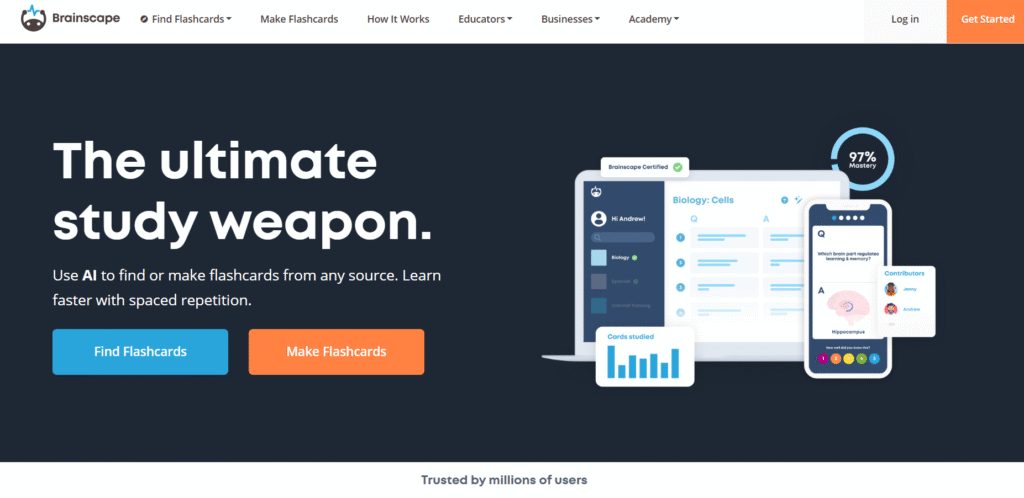
Brainscape is a flashcard system used across UK schools, universities, and workplace training teams that need structured recall. Unlike quiz-style platforms, Brainscape focuses on timed repetition and confidence ratings. This makes it one of the best options among the best gamified learning platforms for memory-heavy subjects such as languages, science, law, compliance, and medical training.
This Brainscape review covers Brainscape pricing, Brainscape alternatives, and comparisons like Brainscape vs Quizlet.
Key Features
Confidence-Based Learning System
Brainscape’s core mechanic asks learners to rate how confident they feel about each flashcard. The system adjusts repetition frequency based on this rating. UK revision students use this to build subject recall without wasting time reviewing material they already know well.
Spaced Repetition Engine
The platform uses spaced intervals to strengthen memory retention. This is effective for GCSE, A-Level, and university modules that require deep recall of terminology, formulas, or case studies. Workplace training teams also use it for onboarding material and regulatory compliance.
Large Library of UK-Aligned Content
Brainscape includes flashcard decks created for GCSE sciences, KS3 topics, A-Level subjects, medical revision, law, business, and more. Many UK teachers and tutors use these decks as a baseline before adding their own material.
Team and Class Management
Teachers and training managers can assign decks, track completion, and review confidence scores. This saves time during revision periods when staff need to spot weak areas quickly.
Mobile-First Study Experience
Brainscape works well on phones, making it practical for short revision bursts between lessons or during commutes. UK university students use it heavily during exam seasons because of its quick-session design.
Pros & Cons
| Pros | Cons |
| Strong spaced-repetition engine | Interface is minimal compared to Quizlet |
| Excellent for revision-heavy subjects | Social game elements are limited |
| Confidence rating system works well | Some premium decks require payment |
| Good for quick study sessions | Limited multimedia support |
Pricing
- Free version available
- Pro plans from approx £7 per month
- Institutional licences available for schools and universities
Most UK students use the free version and upgrade during exam months.
Best For UK Students and Training Teams Needing Efficient Memory Recall
Brainscape is ideal where repetition matters more than gameplay.
- GCSE and A-Level students — structured revision cycles.
- University students — heavy-content modules such as medicine or law.
- Corporate onboarding — memorising internal processes or product details.
- Compliance training — recurring knowledge checks.
- Tutors — clear structure for homework and revision.
One popular method is tagging decks by exam board. This ensures learners revise only the material that appears on their specific paper.
How to Use Brainscape for UK Exam Cycles
Set up decks based on units in the syllabus, then apply a daily timed-revision rota. Many students use a 20-minute Brainscape session at the end of each lesson to reinforce new content before leaving the classroom.
Brainscape earns its place among the best gamified learning platforms because it uses repetition mechanics that genuinely support memory retention across UK learners.
Best Alternate Tool
Quizlet is the closest alternative for learners who want more game-style study modes and multimedia flashcards.
TalentLMS Gamification – Corporate Training with Points, Badges, and Structured Learning Paths
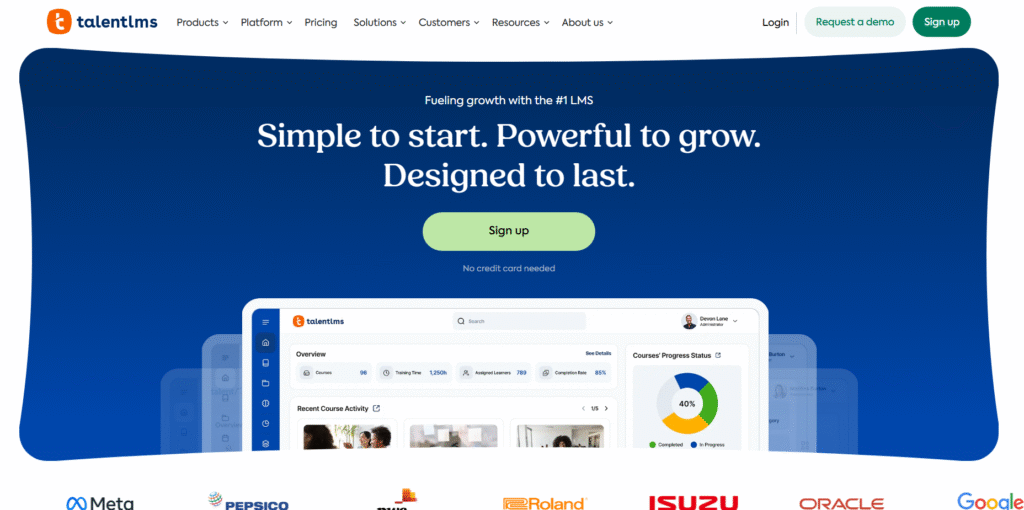
TalentLMS is widely used across UK companies, training providers, and HR teams that need a straightforward learning management system with built-in gamification. Its gamified components include badges, points, levels, leaderboards, and reward structures that keep staff engaged through compliance modules, onboarding, and skills development. For many UK organisations, TalentLMS is one of the strongest workplace-focused entries in the best gamified learning platforms category.
This TalentLMS review includes TalentLMS pricing, TalentLMS alternatives, and comparisons such as TalentLMS vs Docebo.
Key Features
Built-In Points and Badges
TalentLMS allows administrators to award points for module completion, quiz results, and course progress. Staff earn badges as they progress, which helps maintain steady engagement during longer training programmes such as safeguarding, product knowledge, or IT security.
Levels and Progression
The platform includes level-based progression so learners can move through training in stages. UK HR teams use this to break down multi-day onboarding into manageable chunks that feel achievable rather than overwhelming.
Leaderboards for Friendly Competition
Leaderboards are optional, making them suitable for sales teams, retail staff, and customer-service environments where competition fits naturally into the work culture. Many UK businesses use internal competitions during training sprints.
Structured Learning Paths
TalentLMS lets you build tiered learning paths with prerequisites. This is especially useful for UK compliance teams that must ensure staff complete mandatory modules before accessing role-specific training.
Reporting and Compliance Tracking
The reporting suite covers completion, engagement, assessment scores, and overdue tasks. HR teams rely on this during audits because it reduces manual tracking and ensures consistent documentation.
Pros & Cons
| Pros | Cons |
| Strong mix of LMS and gamification | Visual design is functional rather than exciting |
| Easy for admins to set up | Gamified elements are basic compared to specialist apps |
| Scales well for UK companies | Some automation features require higher tiers |
| Good reporting for compliance | Branding customisation costs more |
Pricing
- Free plan available
- Starter: approx £59 per month
- Basic, Plus, and Premium tiers: increasing features
- Enterprise pricing available for larger UK companies
Most UK SMBs use the Starter or Basic tier, while large organisations typically need Plus or Premium.
Best For UK Businesses Needing Structured Training with Light Gamification
TalentLMS suits organisations that need practical compliance and onboarding workflows without building everything from scratch.
- HR teams — consistent training paths for new starters.
- Compliance officers — clear training audit trails.
- Sales teams — friendly competition through leaderboards.
- Training providers — modular course delivery.
- Retail and hospitality — fast onboarding cycles.
One useful technique is creating themed badge sets tied to specific training periods. Staff collect the badges across a quarter, giving HR teams a simple visual record of development.
How to Use TalentLMS Gamification for UK Compliance Cycles
Set recurring completion deadlines and attach gamified rewards to on-time submissions. This works especially well for annual corporate compliance modules, where engagement typically drops without structured incentives.
TalentLMS earns a firm place among the best gamified learning platforms used in UK workplaces thanks to its blend of LMS structure and motivational features.
Best Alternate Tool
Docebo is the closest alternative for UK enterprises that need deeper automation, social learning, and AI-supported recommendations.
Docebo – Enterprise L&D Platform with Social Rewards and Scalable Training

Docebo is a large-scale learning platform used extensively across UK enterprises, global teams, and training departments that need structured learning with social engagement elements. While it isn’t a pure game-style app, its reward loops, badges, and social activity features make it one of the most capable entries among the best gamified learning platforms for corporate L&D.
This Docebo review covers Docebo pricing, Docebo alternatives, and comparisons such as Docebo vs TalentLMS.
Key Features
Social Learning Rewards
Docebo includes social engagement elements where learners can contribute posts, share insights, and earn rewards for participation. UK companies use this to help staff learn from colleagues and teams, which supports ongoing training without relying solely on top-down modules.
Custom Learning Paths
Admins can create guided, staged learning journeys with deadlines, checkpoints, and gating. This helps large organisations ensure staff follow correct sequences, particularly during onboarding or high-stakes training periods.
Advanced Reporting
The platform integrates learning metrics with performance insights so training managers can identify trends across departments. For UK compliance teams, this reduces manual record-keeping, especially during audits.
Content Marketplace
Docebo offers a large library of prebuilt courses covering safety, management, software skills, and more. UK L&D leads often combine internal modules with marketplace content for a more rounded learning experience.
Automation Rules
Docebo uses triggers to automate enrolment, reminders, and follow-up learning actions. This works well for UK businesses with high staff turnover, where onboarding must stay consistent each month.
Pros & Cons
| Pros | Cons |
| Scales well for large teams | Pricing is higher than SMB tools |
| Strong reporting and automation | Setup takes time |
| Social learning rewards improve engagement | Gamification is lighter than tools like Kahoot |
| Fits corporate compliance cycles | Custom features may require premium add-ons |
Pricing
- Custom pricing only
UK enterprises typically receive quotes based on user numbers, modules, integrations, and support needs.
Best For Large UK Organisations Needing Scalable Learning with Social Engagement
Docebo works especially well for L&D teams that manage hundreds or thousands of learners.
- Enterprise HR teams — structured, consistent onboarding.
- Compliance departments — clear audit records and automation.
- Sales and service teams — social learning for shared knowledge.
- Global organisations — multi-language training.
- Corporate training providers — scalable client delivery.
A smart method is linking Docebo’s social reward features to monthly training themes. It encourages staff to participate and share insights across departments.
How to Use Docebo for UK Multi-Site Organisations
Set location-specific learning paths and reward staff for participation through the social tools. UK organisations with multiple branches use this to keep training aligned without creating extra admin.
Docebo secures a place in the best gamified learning platforms list thanks to its scale, social engagement features, and automation for enterprise settings.
Best Alternate Tool
TalentLMS is the closest alternative for companies that need similar structure at a lower cost and with quicker setup.
LearnDash – WordPress LMS with Points, Badges, and Course Progression

LearnDash is a WordPress-based LMS widely used across the UK by course creators, training companies, universities, and membership-site owners. Its built-in gamified elements include points, badges, certificates, and drip-fed learning paths. Because it runs inside WordPress, it gives creators full control over design, structure, and monetisation. This makes LearnDash one of the most flexible entries in the best gamified learning platforms list for UK digital learning businesses.
This LearnDash review also covers LearnDash pricing, LearnDash alternatives, and comparisons such as LearnDash vs Moodle.
Key Features
Points and Badges System
LearnDash includes native support for badges and points. Learners earn rewards as they complete lessons, quizzes, and modules. UK training providers often use this to keep longer courses engaging and to reward consistent progression.
Drip-Fed Lessons
Drip schedules allow lessons to unlock gradually, preventing learners from rushing ahead. This is popular with UK coaches, membership-site owners, and CPD providers who want to keep cohorts on a steady path.
Advanced Quizzing
LearnDash includes a full quiz engine with multiple question types, passing scores, retakes, timers, and certificates. It supports compliance-style assessment, which many UK industries require for internal training.
Group Management
Organisations can bulk enrol learners, assign group leaders, and track progress. UK training companies sell bulk seat licences to employers using this feature, making LearnDash a practical fit for B2B training.
Deep WordPress Integration
Because LearnDash is a WordPress plugin, creators can integrate payment gateways, membership plugins, live classes, gamification add-ons, and analytics tools. It offers more flexibility than fixed hosted LMS platforms.
Pros & Cons
| Pros | Cons |
| Full control through WordPress | Requires hosting and technical setup |
| Flexible gamification options | Can become plugin-heavy if overbuilt |
| Strong quiz and assessment tools | Not as quick to launch as hosted LMS tools |
| Suitable for selling courses | Requires maintenance and updates |
Pricing
- LearnDash LMS: approx £159 per year
- LearnDash Pro: higher tiers with additional features
- Add-ons may increase total cost depending on setup
UK creators typically start on the main licence and add plugins as the course grows.
Best For UK Course Creators and Training Providers Wanting Control Over Their LMS
LearnDash works especially well for businesses building their own training portals.
- Course creators — control over design and monetisation.
- Training companies — bulk enrolments and employer packages.
- Universities and colleges — assessment-heavy modules.
- CPD providers — certificates and compliance checks.
- Membership sites — steady content release with drip lessons.
A strong method is combining LearnDash with gamification plugins like GamiPress or BadgeOS. These provide extra reward mechanics, including levels, progress bars, and challenge badges.
How to Use LearnDash for UK CPD Certification
Set up quiz pass marks and automatic certificate triggers. Many UK CPD platforms use LearnDash because it handles completion records without manual intervention.
LearnDash earns its position in the best gamified learning platforms list thanks to its flexibility, assessment tools, and suitability for UK training businesses that monetise learning.
Best Alternate Tool
Moodle is the closest alternative for UK institutions that prefer an open-source LMS with built-in academic features instead of a WordPress-based system.
Moodle with Gamification Plugins – Open-Source LMS with Custom Reward Systems
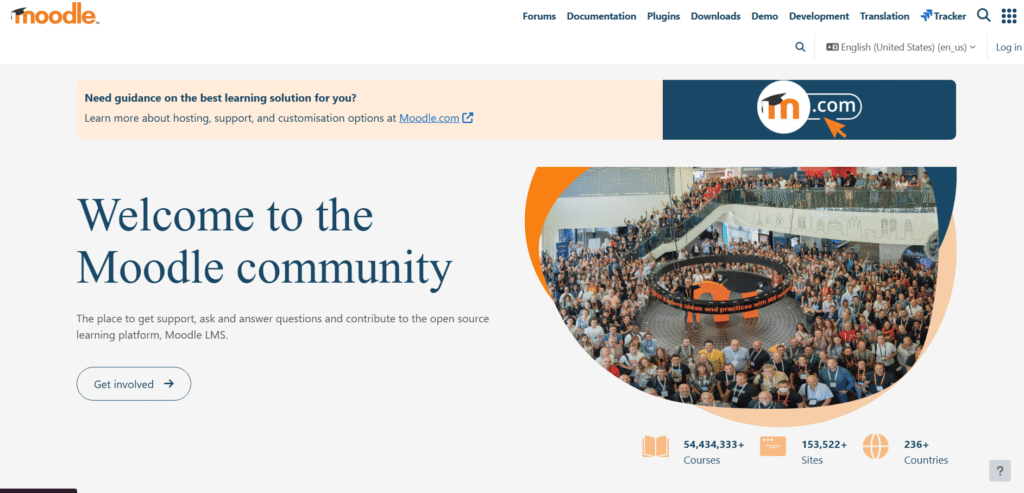
Moodle is a long-standing open-source LMS used across UK schools, colleges, universities, and training providers. While Moodle on its own offers a functional learning environment, its real gamification power comes from plugins such as Level Up, Stash, Badges, and Game. These add points, levels, rewards, quizzes, and progression loops, turning traditional courses into more engaging learning journeys. For institutions wanting full control and no per-learner licence fees, Moodle remains a strong contender among the best gamified learning platforms used in the UK.
This Moodle review covers Moodle pricing (hosting-based), Moodle alternatives, and comparisons such as Moodle vs LearnDash.
Key Features
Level Up XP Plugin
Level Up adds a points and level system to Moodle courses. Learners earn XP for completing tasks such as lessons, quizzes, forums, and assignments. Many UK universities use this to motivate participation in modules that require steady weekly engagement.
Badge and Certificate Plugins
Badges can be awarded automatically when learners complete modules or achieve specific criteria. This works well for UK FE colleges and CPD providers that need recognisable milestones without manual issuing.
Quiz and Game Modules
The Moodle Game plugin turns quiz questions into formats such as crosswords, hangman, snakes and ladders, and other classic structures. This helps staff build variation into assessments without designing new content from scratch.
Stash Reward System
Stash lets teachers hide “collectible items” across course pages. Learners collect items as they progress, making navigation more engaging. UK secondary teachers often use Stash to increase weekly logins and reduce module drop-off.
Deep Customisation
Because Moodle is open-source, UK institutions can add themes, automation rules, custom enrolment workflows, and integrations with SIS systems. This gives far more flexibility than most hosted LMS platforms.
Pros & Cons
| Pros | Cons |
| Full control through open-source setup | Requires hosting and technical admin |
| Extensive gamification plugins | Interface can feel dated without a theme |
| No per-learner licence fees | Setup and updates need IT support |
| Suitable for academic needs | Gamification depends on plugins |
Pricing
Moodle itself is free, but UK institutions usually pay for hosting or managed support:
- Self-hosted: hosting costs vary (£10–£50 per month for small sites)
- Managed Moodle partners: pricing varies depending on user numbers
- Plugins: mostly free but some paid add-ons exist
Universities and MATs often work with Moodle Partners for scalability and support.
Best For UK Schools, Colleges, and Universities Needing Flexible, Low-Cost Gamification
Moodle suits institutions needing academic workflows, assessment depth, and full control.
- Secondary schools — badges, quizzes, and level systems.
- FE colleges — structured vocational modules with certificates.
- Universities — blended learning and assessment.
- Training companies — white-label courses with low recurring cost.
- CPD providers — automated certificate delivery.
A highly effective method is combining Level Up with conditional activities. This guides learners through modules step-by-step while earning XP, creating a clear sense of progress.
How to Use Moodle Gamification for UK Academic Modules
Attach XP, badges, and Stash items to activities tied directly to your weekly scheme of work. Institutions using this find that learners log in more often and complete more optional material.
Moodle earns its slot within the best gamified learning platforms list because it offers control, flexibility, and powerful gamification through plugins without per-seat fees.
Best Alternate Tool
LearnDash is a strong alternative for UK creators or training companies wanting full control but without running a full institutional platform.
EdApp – Mobile Microlearning with Streaks, Leaderboards, and Rapid Course Creation
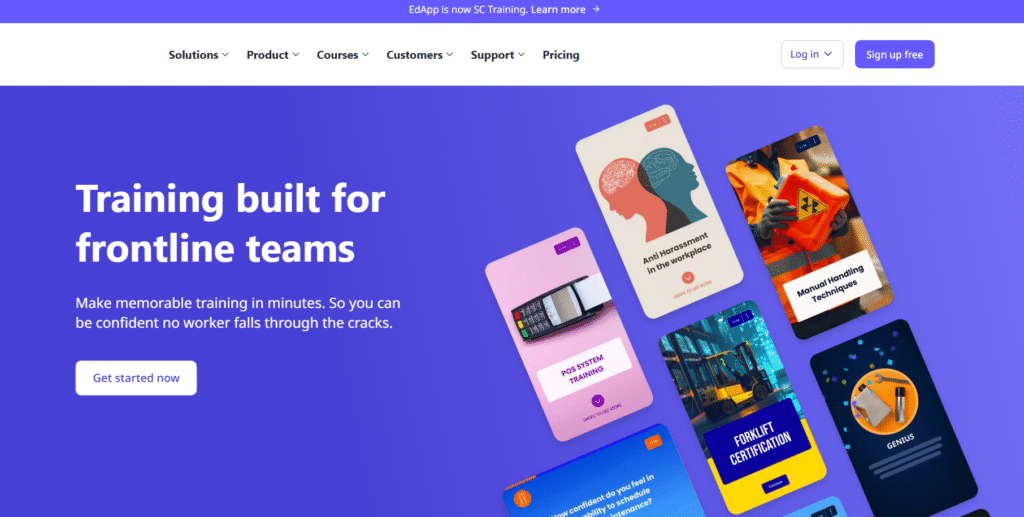
EdApp is a mobile-first learning platform used heavily across UK workplaces, especially in retail, hospitality, transport, healthcare support roles, and distributed teams. Its microlearning format, daily streaks, and built-in gamification make it one of the strongest mobile-focused entries in the best gamified learning platforms category. UK managers favour EdApp because staff can complete modules quickly during shift gaps, commutes, or downtime.
This EdApp review covers EdApp pricing, EdApp alternatives, and comparisons such as EdApp vs TalentLMS.
Key Features
Daily Streaks
EdApp encourages consistent learning through streaks tied to completing short lessons. This structure works particularly well for UK frontline workers who benefit from short, frequent training bursts rather than long modules.
Microlearning Lessons
Lessons take only a few minutes and are optimised for smartphones. UK sectors reliant on shift-based teams use this format to raise completion rates without disrupting operations.
Leaderboards and Prizes
EdApp supports leaderboards to encourage friendly competition. Many UK companies run monthly competitions tied to training themes, encouraging staff to complete modules on time.
In-App Rewards
Learners earn stars that can be exchanged for prizes (configured by employers). UK managers use this reward loop during onboarding or product knowledge cycles.
Rapid Authoring Tools
EdApp includes templates, interactive slides, quizzes, drag-and-drop elements, and spaced repetition. It allows training teams to create courses without external developers.
Pros & Cons
| Pros | Cons |
| Strong mobile experience for UK staff | Less suited for long-form training |
| Short lessons raise completion rates | Desktop design has limitations |
| Built-in gamified rewards | Leaderboards may not fit every culture |
| Free plan for SMBs | Advanced features require paid plans |
Pricing
- Free plan available
- Pro plan from approx £1.50 per user per month
- Enterprise pricing available
Many UK SMEs use the free tier, while larger companies upgrade for analytics and reward features.
Best For UK Companies with Frontline or Shift-Based Staff
EdApp is ideal for teams that need training in short, focused bursts.
- Retail — fast product updates.
- Hospitality — quick onboarding for new hires.
- Transport — consistent micro modules for safety tips.
- Healthcare support — small compliance units.
- Customer service — weekly training refreshers.
A useful approach is assigning one micro-lesson per day rather than weekly blocks. This supports consistent habits and reduces cognitive overload for busy staff.
How to Use EdApp for UK Retail or Hospitality Training
Create short modules with in-app rewards tied to seasonal product cycles or menu updates. UK retail chains use this to keep staff informed without classroom sessions.
EdApp holds a firm place among the best gamified learning platforms due to its streaks, rewards, and mobile-first delivery that suits UK shift-based sectors.
Best Alternate Tool
TalentLMS is a strong alternative for UK organisations needing more structured learning paths and desktop-friendly modules.
Seppo – Scenario-Based Learning with Missions and Map-Driven Gameplay
Seppo is a Finnish-built gamified learning platform widely used in UK schools, colleges, museums, training organisations, and community learning programmes. It transforms lessons into mission-based, real-world task games using maps, QR codes, GPS, and multimedia challenges. For educators who prefer activity-driven learning over quiz-based formats, Seppo stands out as a distinctive choice among the best gamified learning platforms in the UK.
This Seppo review includes Seppo pricing, Seppo alternatives, and comparisons such as Seppo vs GooseChase.
Key Features
Mission-Based Learning
Teachers build missions that learners complete either indoors or outdoors. Missions can include photos, videos, text, short quizzes, and creative tasks. UK teachers use Seppo during fieldwork, enrichment weeks, geography lessons, museum visits, and outdoor learning days.
Interactive Maps
Seppo missions can appear on interactive maps. Learners navigate to specific locations (physically or virtually) to unlock challenges. UK secondary geography and history teachers use this heavily for local-site learning and cross-curricular projects.
Real-Time Feedback
Teachers can approve, reject, or comment on mission submissions as students complete them. This helps keep activities structured and ensures learners stay on track throughout the session.
QR and GPS Challenges
Seppo supports QR code unlocking and GPS triggers, allowing educators to create scavenger-hunt-style lesson structures. Many UK schools use this for transition days, team-building sessions, or large-scale campus activities.
Multimedia Authoring
Teachers can include photos, audio, video tasks, and problem-solving questions. This suits SEN groups, EAL learners, and project-based learning, where multiple media formats support understanding.
Pros & Cons
| Pros | Cons |
| Strong for outdoor and scenario-based lessons | Requires devices for each group |
| Highly engaging for teams | Planning missions takes time |
| Versatile for subjects beyond STEM | GPS accuracy varies on some sites |
| Encourages collaborative learning | Less suited for formal assessments |
Pricing
- Teacher licence: approx €49 per month
- School and institutional licences: custom pricing
Many UK schools trial Seppo for off-timetable days before purchasing multi-teacher licences.
Best For UK Teachers Running Fieldwork, Project-Based Learning, and Team Activities
Seppo suits educators prioritising applied learning and collaboration.
- Geography and science teachers — field investigations with mission tasks.
- History departments — local heritage activities.
- PSHE leads — teamwork and communication missions.
- Museums — educational visitor trails.
- Colleges — induction days and team projects.
A strong approach is using Seppo during half-term enrichment weeks. Missions can reinforce curriculum topics while giving pupils hands-on experience that sticks.
How to Use Seppo for UK Fieldwork Lessons
Create missions tied directly to geographical sites, local historical markers, environmental surveys, or observational tasks. UK schools use this method to gather evidence for curriculum assessments.
Seppo earns its slot among the best gamified learning platforms because it delivers high-impact, activity-driven learning beyond the classroom walls.
Best Alternate Tool
GooseChase is the closest alternative for UK organisations wanting broader team-challenge activities with more flexible mission types.
Quizlet – Study Games, Flashcards, and Class Tools for Quick Revision
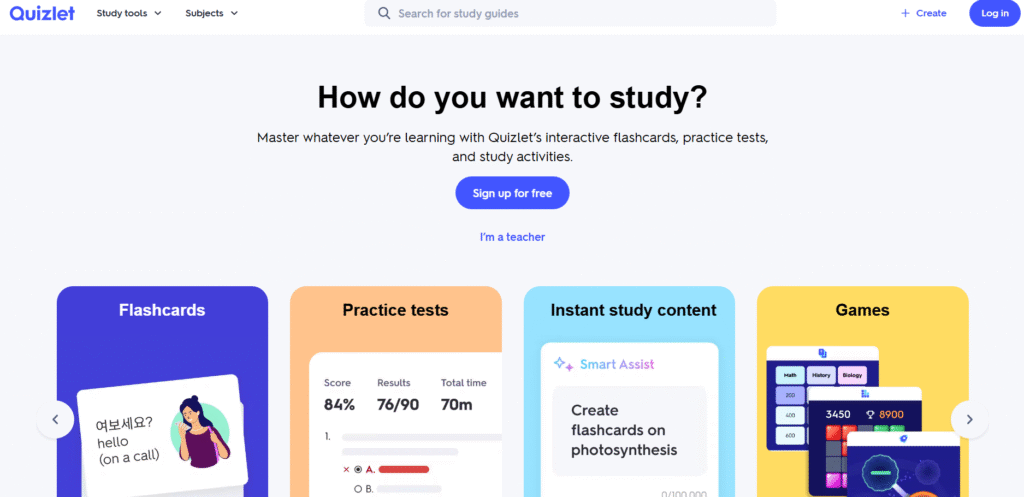
Quizlet is one of the most widely used revision platforms across UK schools, colleges, universities, and tutoring environments. Its mix of flashcards, games, tests, match modes, and interactive study activities makes it a strong, student-friendly option within the best gamified learning platforms available today. UK teachers appreciate Quizlet for its simplicity, fast setup, and ability to support both classwork and independent revision.
This Quizlet review includes Quizlet pricing, Quizlet alternatives, and comparisons such as Quizlet vs Brainscape.
Key Features
Flashcards and Study Sets
Quizlet allows learners to revise vocabulary, terms, definitions, diagrams, formulas, and case studies using flashcards. UK teachers often build sets based on exam-board specifications for GCSE and A-Level subjects.
Match and Gravity Study Games
These modes turn revision into short, timed games. Learners compete against their personal best times or classmates. This format helps break up longer study sessions and makes repetition feel less tiring.
Test Mode
Quizlet automatically generates tests using multiple-choice, fill-in-the-blank, written responses, and true-or-false items. UK teachers use this mode for quick in-class checks or exit tasks at the end of lessons.
Class Organisation
Teachers can create classes, assign study sets, and monitor completion. UK tutoring centres and tuition agencies rely on this structure for weekly assignments.
Mobile-Friendly Format
Quizlet works well on phones and tablets, making it convenient for commutes, homework, and short study bursts between lessons.
Pros & Cons
| Pros | Cons |
| Great for repetition-heavy subjects | Some advanced features require paid plans |
| Fast to set up and assign | Community sets vary in accuracy |
| Clear game modes | Less structured than curriculum-focused tools |
| Good for GCSE and A-Level | Limited analytics for teachers |
Pricing
- Free plan available
- Quizlet Plus: approx £31.99 per year
Most UK students use the free plan unless they want offline access and additional features.
Best For UK Students Who Need Fast, Flexible Revision Tools
Quizlet works best for learners revising terminology or short-form knowledge.
- GCSE students — subject vocabulary and definitions.
- A-Level learners — repetitive recall of key terms.
- University students — heavy content loads.
- Tutors — simple revision tasks with little admin.
- SEN learners — structured repetition.
A useful method is pairing Quizlet revision with weekly timed competitions. This improves both recall and consistency across subjects.
How to Use Quizlet for UK Exam Preparation
Link Quizlet sets directly to your syllabus or scheme of work. Students can then revise content in the exact order they learned it, improving retention.
Quizlet remains a staple in the best gamified learning platforms list because of its familiar interface, speed, and revision game modes.
Best Alternate Tool
Brainscape is a strong alternative for learners who want deeper spaced repetition and confidence-based recall.
ClassDojo – Behaviour Tracking and Positive Reinforcement for Primary Schools
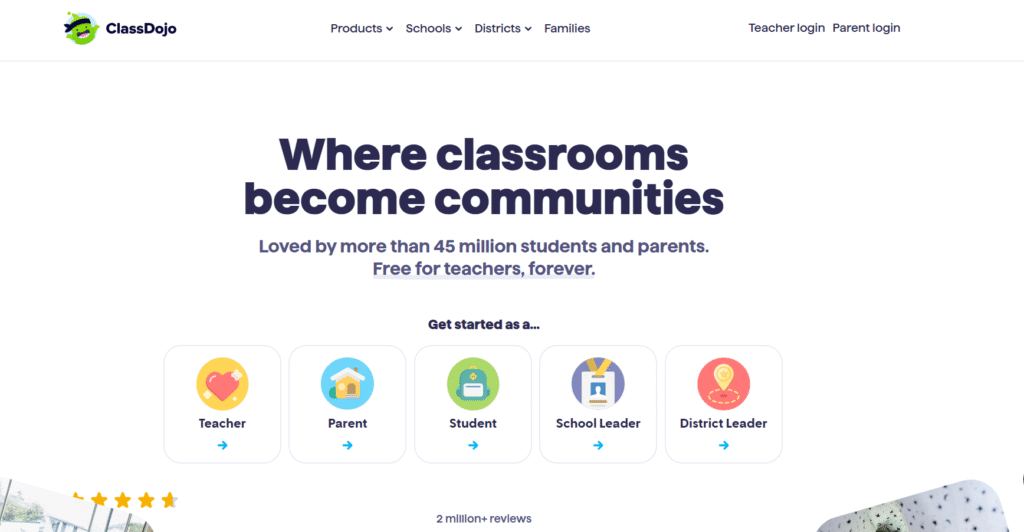
ClassDojo is one of the most widely recognised behaviour platforms in UK primary schools. It focuses on positive reinforcement, simple visuals, and class communication tools. While it isn’t a game in the traditional sense, its points system, feedback loops, and digital portfolios place it firmly within the best gamified learning platforms for younger learners.
This ClassDojo review covers ClassDojo pricing, ClassDojo alternatives, and comparisons such as ClassDojo vs Classcraft.
Key Features
Positive Points System
Teachers award points for behaviours, effort, participation, teamwork, and class routines. UK primary teachers use this to reinforce expectations without repeating instructions throughout the day. It gives pupils a clear structure and ongoing motivation.
Class Display and Avatars
Each pupil has a monster-style avatar. Points appear instantly on the class display, making progress visible. This is effective for KS1 and KS2 where visual cues help pupils stay engaged.
Parent Communication
Parents can receive updates, messages, and photos of their child’s work. Schools across the UK rely on ClassDojo for home–school communication because it reduces admin and keeps families involved in learning.
Student Portfolios
Pupils can upload photos, drawings, audio clips, and written tasks to their digital portfolio. UK teachers often use this during topic work, art projects, and independent writing activities.
Group Points and Whole-Class Goals
Teachers can award group points or set class-wide goals. Many UK schools use this approach to encourage teamwork and shared responsibility during longer tasks.
Pros & Cons
| Pros | Cons |
| Very simple for primary-aged learners | Limited curriculum-based gamification |
| Strong parental communication tools | Less suitable for secondary pupils |
| Clear points and reward loops | Not designed for formal assessments |
| Free for schools | Customisation is limited |
Pricing
- Free for teachers, parents, and students
- Optional paid features for families
UK schools typically use ClassDojo completely free.
Best For UK Primary Classrooms Focusing on Behaviour and Routine
ClassDojo suits environments where structure and positive reinforcement are key.
- KS1 teachers — daily routine management.
- KS2 teachers — teamwork and consistent expectations.
- SEN groups — clear visual feedback.
- Pastoral teams — behaviour records without paperwork.
- Clubs — easy communication with families.
A helpful method is creating weekly “behaviour focus badges” inside ClassDojo. Pupils earn points toward that week’s skill, such as teamwork or listening.
How to Use ClassDojo for UK Primary Classroom Routines
Assign specific behaviours tied to your school’s policy. Award points consistently to reinforce expectations and use portfolios to document weekly achievements.
ClassDojo stands out in the best gamified learning platforms list for UK primary settings because it supports behaviour, communication, and positive reinforcement with minimal setup.
Best Alternate Tool
Classcraft is the closest alternative for teachers who prefer an RPG-style behaviour system with deeper story elements.
Lingopie – Language Learning Through TV Shows with Gamified Progress
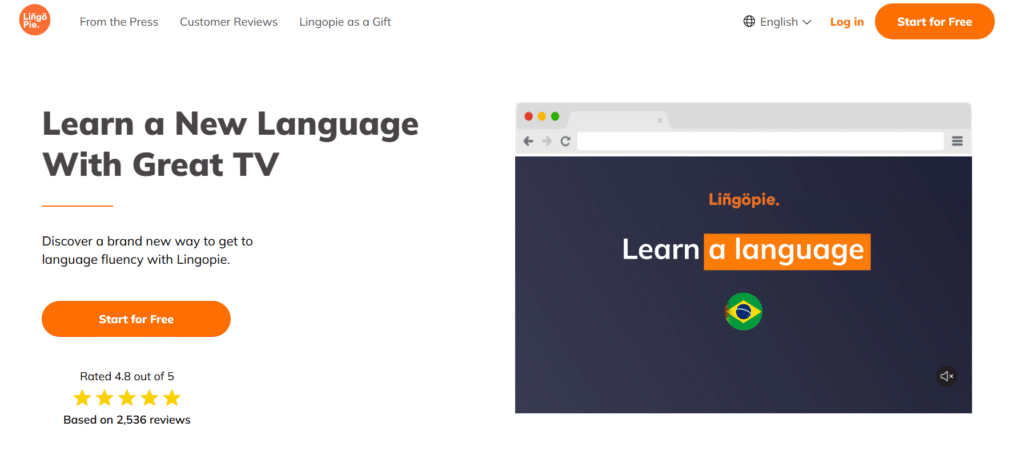
Lingopie is a video-based language learning platform built around TV shows, films, and short clips. It blends entertainment with structured learning tools such as vocabulary reviews, subtitles, streaks, and spaced-repetition exercises. For UK learners who struggle with textbook-heavy study, Lingopie offers an immersive, steady way to build listening skills and vocabulary. Its reward loops earn it a spot among the best gamified learning platforms for language learning in the UK.
This Lingopie review includes Lingopie pricing, Lingopie alternatives, and comparisons such as Lingopie vs Duolingo.
Key Features
Subtitled TV Shows and Films
Lingopie offers large catalogues of shows in Spanish, French, German, Italian, Portuguese, Korean, Japanese, and more. Each line of dialogue comes with clickable subtitles. UK learners use this to build natural listening comprehension that many curriculum materials lack.
Word Review and Flashcards
When learners click a word in the subtitles, Lingopie saves it into a review deck. The built-in drills help reinforce vocabulary through repetition. This blend of media and revision makes it easier to retain new terms.
Streaks and Learning Stats
Lingopie tracks streaks and minutes-watched goals. UK language students use this to keep daily practice consistent, especially during GCSE and A-Level exam cycles.
Slow Play, Looping, and Audio Tools
These tools help learners replay difficult segments or slow down dialogue. Many UK teachers use Lingopie as a listening-practice supplement because it exposes students to natural speech patterns.
Kids and Adult Libraries
Lingopie includes age-appropriate sections, making it suitable for UK families, schools, and adult learners. Teachers often use the kids’ catalogue during clubs or extension activities.
Pros & Cons
| Pros | Cons |
| Strong for listening practice | Limited grammar explanations |
| Engaging content library | Internet connection required |
| Good for vocabulary growth | No teacher dashboard for schools |
| Ideal supplement to classroom study | Not suited for full curriculum delivery |
Pricing
- Approx £10 per month
- Annual pricing offers lower rates
Lingopie does not charge per student in a school setting, as it’s primarily consumer-focused.
Best For UK Learners Wanting Natural Listening Practice with Gamified Study
Lingopie suits learners who prefer media-based study instead of worksheets.
- GCSE and A-Level students — steady listening improvement.
- Adult learners — natural pacing and real dialogue.
- Home learners — flexible, low-pressure sessions.
- Tutors — supplementary listening practice.
- Families — bilingual learning at home.
A strong method is pairing Lingopie with Duolingo or another structured tool. Lingopie builds listening and vocabulary, while Duolingo covers grammar and progression.
How to Use Lingopie for UK Language Courses
Assign specific episodes aligned with classroom topics. Students save vocabulary into flashcard decks, and teachers check progress through shared review sessions or quick quizzes.
Lingopie earns its place within the best gamified learning platforms list for UK learners due to its accessible content and gamified review cycles.
Best Alternate Tool
Duolingo for Schools is the closest alternative for teachers needing curriculum-aligned dashboards and classroom assignments.
GooseChase – Interactive Missions and Team Challenges for Schools and Organisations
GooseChase is a flexible, activity-based platform used across UK schools, universities, charities, clubs, and corporate teams. It turns learning or team-building into missions that participants complete through photos, videos, text, and location-based tasks. Its structure makes it one of the most adaptable options in the best gamified learning platforms list, especially for off-site activities, induction days, and enrichment events.
This GooseChase review includes GooseChase pricing, GooseChase alternatives, and comparisons such as GooseChase vs Seppo.
Key Features
Mission-Based Task Design
Teachers and managers create missions that participants complete individually or in teams. Missions can include problem-solving tasks, creative prompts, subject-linked questions, or location challenges. UK schools use this during enrichment weeks, fieldwork, and campus orientation days.
Live Scoreboard
GooseChase includes a real-time scoreboard that updates as teams complete missions. This keeps energy high during events where competition motivates participants, such as charity days or induction weeks.
Multimedia Submissions
Learners submit photos, videos, GPS check-ins, or text responses. This supports creative learning tasks across subjects including geography, science, art, and performing arts.
Classroom, Youth, and Business Editions
GooseChase offers versions tailored for schools, youth groups, and corporate teams. UK organisations choose editions based on group size and complexity of missions.
Easy Event Management
Teachers and managers control missions, approve entries, pause activities, and send announcements. This allows smooth running of events even with large participant numbers.
Pros & Cons
| Pros | Cons |
| Strong for outdoor and team-based activities | Requires devices for photos and videos |
| Flexible mission design | Not suited for formal academic assessment |
| Works for schools, charities, and businesses | Best used for events rather than daily lessons |
| High engagement during events | GPS challenges may vary by location |
Pricing
- Free teacher plan available
- Upgraded plans for schools and organisations vary
- Business pricing set per event or per team
UK schools often start on the Free Educator plan for small-scale events.
Best For UK Schools and Organisations Running Team Challenges or Fieldwork
GooseChase excels where activity-based learning or team-building is the priority.
- Secondary schools — geography fieldwork, transition days.
- Primary schools — team missions during enrichment weeks.
- Colleges and universities — induction and welcome-week activities.
- Corporate teams — scavenger-style onboarding and culture-building.
- Youth groups — weekend programmes and competitions.
A useful method is creating mixed-skill teams and assigning point bonuses for teamwork-based submissions. This encourages collaboration rather than just speed.
How to Use GooseChase for UK Induction Days
Build missions around key campus areas such as reception, library, canteen, and support services. Students learn the site layout while earning points and completing tasks.
GooseChase earns its position within the best gamified learning platforms list because it drives high engagement during group events and outdoor learning.
Best Alternate Tool
Seppo is the closest alternative for teachers who need deeper curriculum links and structured, map-based missions.
Habitica for Education – RPG-Style Task and Homework Tracking
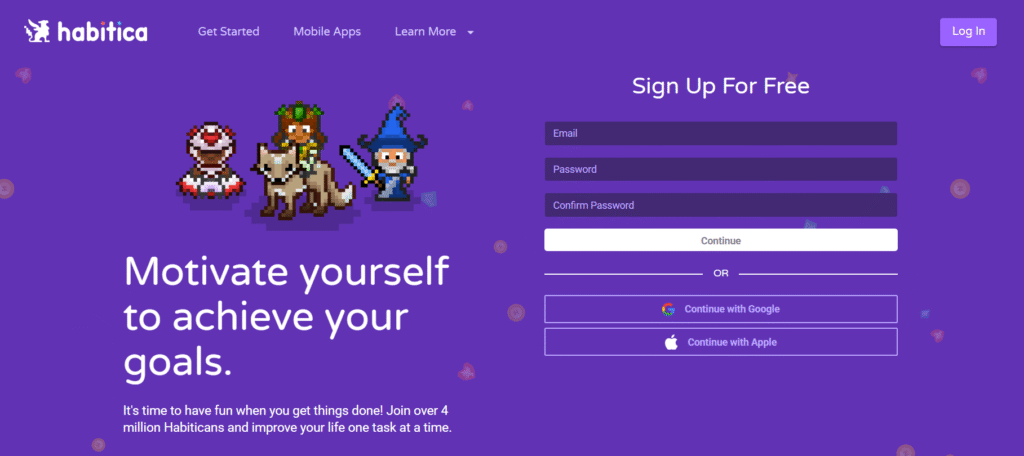
Habitica for Education adapts the well-known task-management RPG into a classroom-friendly tool. UK teachers use it to turn routines, homework, class expectations, and independent study tasks into quests, streaks, and character growth. Because pupils see their avatars level up as they complete real-life tasks, Habitica earns a place among the best gamified learning platforms for motivation and habit-building.
This Habitica review includes Habitica pricing, Habitica alternatives, and comparisons such as Habitica vs Classcraft.
Key Features
RPG Character Growth
Learners create characters that gain XP, items, and gold each time they complete tasks. UK teachers use this to reinforce homework routines, daily tasks, independent reading, or revision cycles. The game structure helps reduce missed homework because learners want to maintain progress.
Daily Tasks, Habits, and To-Dos
Teachers can assign repeating tasks and one-off to-dos. This provides steady structure during terms and helps pupils stay on top of weekly expectations.
Class Parties
Learners can be grouped into parties where progress contributes to shared quests. UK schools use this for teamwork or to encourage peer accountability during longer units.
Flexible Task Categories
Habitica supports habits (positive or negative), daily tasks, and standard tasks. These categories help UK teachers shape classroom expectations without repeatedly giving verbal reminders.
Cross-Platform Access
Habitica works on desktop, tablet, and mobile. Many UK students prefer using it on phones to track homework quickly between lessons.
Pros & Cons
| Pros | Cons |
| Great for building homework habits | Limited curriculum-specific features |
| RPG structure motivates learners | Requires monitoring to prevent misuse |
| Simple to set up | Not designed for formal assessments |
| Well suited for KS2 and KS3 | Visuals may feel young for older students |
Pricing
- Free
- Optional cosmetic upgrades (not required for classroom use)
Habitica remains one of the most affordable tools in the gamified learning space because classrooms can run entirely on the free model.
Best For UK Classrooms Needing Habit-Building and Routine Support
Habitica suits learning environments where routines and task completion are the priority.
- KS2 teachers — reading logs, homework, daily routines.
- KS3 teachers — weekly revision tasks and extended projects.
- SEN settings — structured habit building.
- Tutors — independent study between sessions.
- Clubs — project-based tasks.
A strong method is creating “term-long quest lines” where pupils progress through a story by completing weekly tasks. Many teachers use this to support consistency during long terms.
How to Use Habitica for UK Homework Cycles
Assign tasks aligned with homework timetables and set weekly streak goals. Pupils maintain character health and earn items by completing tasks, which helps reduce missed work.
Habitica secures its place in the best gamified learning platforms list for UK settings because it encourages steady habits and consistent routines.
Best Alternate Tool
Classcraft is the closest alternative for teachers wanting deeper narratives and behaviour management features in addition to task tracking.
Xperiencify – Behaviour-Driven Course Delivery with Triggers and Progress Loops
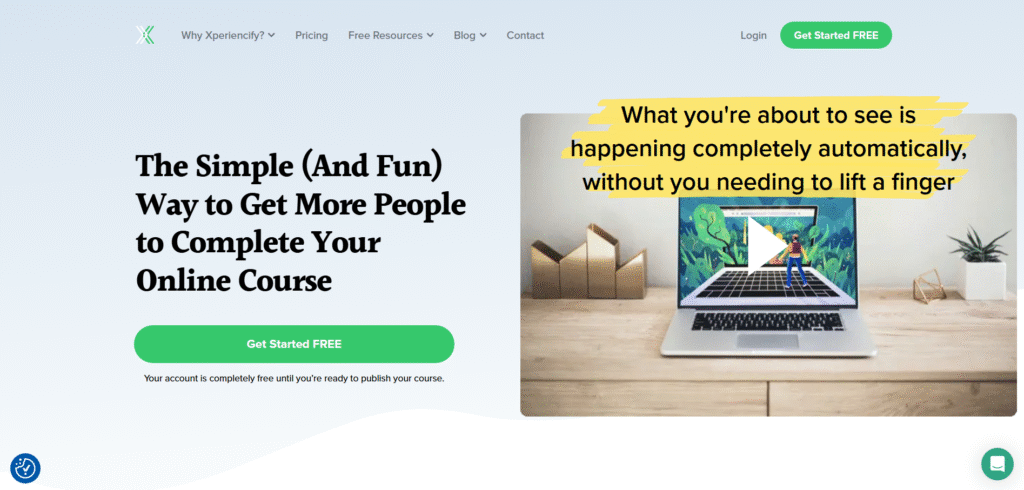
Xperiencify is a course-delivery platform designed for creators who want stronger completion rates than traditional LMS tools usually provide. It uses triggers, points, progress bars, countdowns, celebration moments, and milestone tracking to keep learners moving through modules. UK course creators, coaching programmes, and online training businesses often choose Xperiencify because it focuses heavily on behavioural psychology. This makes it a distinctive entry in the best gamified learning platforms list.
This Xperiencify review includes Xperiencify pricing, Xperiencify alternatives, and comparisons such as Xperiencify vs LearnDash.
Key Features
Experience Points (XP) System
Learners earn XP for completing lessons, downloads, videos, tasks, or attending live sessions. UK course creators use this to keep learners active during longer programmes such as 6-week challenges, coaching cohorts, and skills training.
Behaviour Triggers
Xperiencify includes automation triggers that fire when learners complete specific actions. This can prompt messages, unlock rewards, drop bonuses, or activate next steps in a programme. UK creators use this to keep momentum strong without manually checking progress.
Progress Bars and Milestones
Visible progress bars help learners track how far they’ve come. Milestone celebrations keep motivation steady. This is particularly useful in paid courses where completion rates directly affect customer satisfaction.
Countdown Timers
Courses can include countdowns for tasks, modules, or events. UK business coaches often pair these with weekly tasks to keep learners on schedule.
Community and Accountability
While Xperiencify is primarily a course platform, it also supports community features so cohorts can interact, share wins, and support each other during programmes.
Pros & Cons
| Pros | Cons |
| Strong behavioural psychology focus | Limited academic tools |
| High completion rates for paid courses | Less suited for formal assessment |
| Good for coaches and creators | Not ideal for institutions |
| Automated triggers reduce admin | Smaller library of integrations |
Pricing
- Starter: approx £37 per month
- Pro and higher tiers add automation, triggers, and advanced gamification
UK creators typically use mid-level tiers to access the full gamification stack.
Best For UK Course Creators and Coaching Programmes Wanting Higher Completion Rates
Xperiencify suits businesses that run group programmes, challenges, and cohort-based courses.
- Coaching programmes — weekly goals with triggers.
- Course creators — stronger engagement than static LMS platforms.
- Membership groups — structured progress loops.
- Training businesses — challenge-style programmes.
- High-ticket courses — more consistent student progression.
A powerful method is pairing XP rewards with time-limited bonuses. UK creators often attach special content to milestone completions to keep students focused.
How to Use Xperiencify for UK Cohort Programmes
Set behaviour triggers tied to deadlines, attendance, and lesson completion. This helps maintain strong engagement across multi-week training programmes.
Xperiencify earns its place in the best gamified learning platforms list because it lifts completion rates for UK creators running structured paid programmes.
Best Alternate Tool
LearnDash is the closest alternative for UK creators who prefer a WordPress-based system with more technical control.
Nearpod – Interactive Lessons with Quests, Timed Tasks, and Engagement Tools
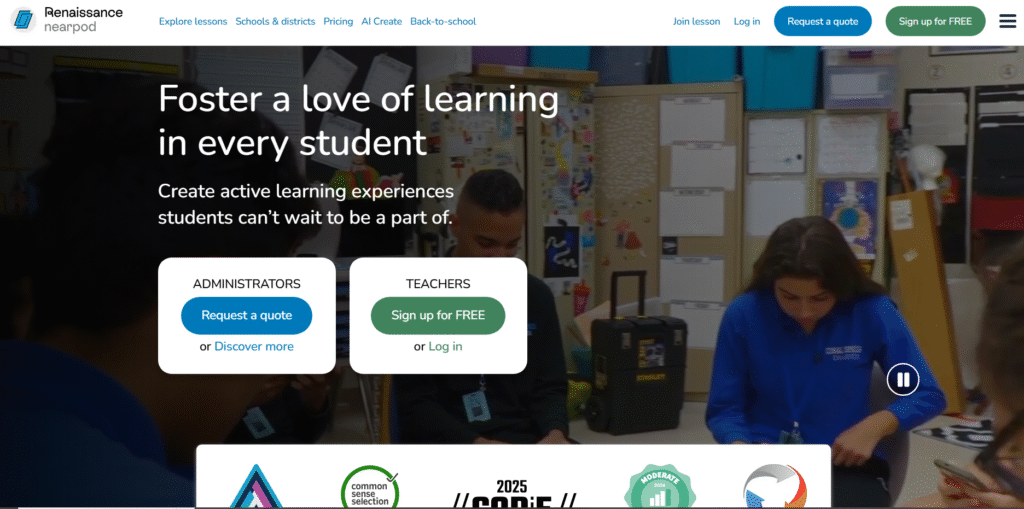
Nearpod is a widely used interactive lesson platform across UK primary and secondary schools. It blends slides, quizzes, polls, 3D objects, VR experiences, competitions, and timed tasks into a single platform. Its mix of interactive learning and light gamification earns it a consistent place among the best gamified learning platforms used in UK classrooms, especially where teachers want to keep pupils focused through structured lesson flow.
This Nearpod review covers Nearpod pricing, Nearpod alternatives, and comparisons such as Nearpod vs Quizizz.
Key Features
Interactive Slide Lessons
Nearpod allows teachers to create or import slide decks that include quizzes, polls, drag-and-drop tasks, fill-in-the-blanks, and short challenges. UK teachers use this for everything from topic introductions to plenaries.
Time-Limited Quests
Some Nearpod activities include countdown timers or time-bound challenges, helping pupils stay focused. This structure works especially well for KS2 and KS3 where timely submission helps maintain lesson structure.
Live and Student-Paced Modes
Teachers can run Nearpod live (synchronised) or student-paced (independent). UK teachers use live mode for guided learning and student-paced mode for homework, revision, or catch-up sessions.
VR and 3D Objects
UK schools use the VR and 3D models to support science, geography, and history lessons. These interactive elements keep students engaged during complex topics.
Reports and Assessment Tracking
Nearpod provides data on participation, accuracy, and completion. This helps in planning interventions or gauging class understanding before assessments.
Pros & Cons
| Pros | Cons |
| Strong interactive tools | Less game-style than quiz-based platforms |
| Clear lesson flow | Can require strong classroom wifi |
| Great for engagement during explanations | Premium content behind paywall |
| Works for KS1–KS4 | Not ideal for competitive learners |
Pricing
- Free plan available
- Premium plans vary (£) depending on school or district size
- Some content libraries require additional purchase
Most UK schools start on the free tier before upgrading for content access.
Best For UK Teachers Running Interactive Topic Lessons
Nearpod fits classrooms where interactivity matters more than competition.
- KS1–KS2 — strong visuals and structured steps.
- KS3 — mixed media lessons and revision tasks.
- KS4 — guided walkthroughs and exam prep content.
- Tutors — structured topic explanations.
- SEN settings — scaffolded tasks and visual models.
A strong Nearpod technique is layering quizzes throughout a lesson rather than saving them for the end. This keeps engagement high and gives teachers immediate feedback.
How to Use Nearpod for UK Blended Learning
Assign student-paced lessons for homework so pupils arrive pre-taught, allowing classroom time for deeper tasks. Many UK departments use this to keep workloads manageable.
Nearpod ranks among the best gamified learning platforms for UK teachers who want structured, interactive, slide-based learning with assessment built in.
Best Alternate Tool
Quizizz is the closest alternative for teachers prioritising game-focused quizzes and power-ups rather than lesson slides.
Blooket – Fast Classroom Games with Collectable Characters and Competitive Modes
Blooket is a lively classroom-game platform used widely in UK primary and lower secondary schools. It blends quizzes with competitive game modes, collectable characters (Blooks), rewards, and fast-paced mechanics that keep pupils energised. Because of its strong engagement levels, Blooket frequently appears in lists of the best gamified learning platforms for UK classrooms that want instant motivation.
This Blooket review includes Blooket pricing, Blooket alternatives, and comparisons such as Blooket vs Kahoot.
Key Features
Competitive Game Modes
Blooket offers a variety of game styles, each built around answering questions correctly to progress. Popular modes such as Gold Quest, Café, Factory, Crypto Hack, Tower Defence, and Racing help teachers choose formats suited to their class mood. UK teachers appreciate how easily these modes shake up lessons.
Collectable Blooks
Learners collect characters called Blooks, which adds a trading-card-style hook. This collectable layer helps sustain interest across weeks, especially in KS2 and lower KS3.
Homework Assignments
Blooket supports homework or self-paced modes. Pupils can complete games independently while teachers track results. UK schools use this for weekly revision tasks or light-touch homework.
Custom Question Sets
Teachers can create or import question sets aligned with UK topics including maths, English, science, geography, and history. Many use community sets for quick lesson prep.
Class Stats and Reports
The reporting section gives teachers insight into which questions challenge pupils the most. This is useful when preparing next lessons or intervention sessions.
Pros & Cons
| Pros | Cons |
| Very high engagement | Some game modes are chaotic for younger pupils |
| Collectable Blooks maintain interest | Limited depth for long-term curriculum plans |
| Great for quick-start activities | Requires reliable devices |
| Multiple game formats | Premium features behind subscription |
Pricing
- Free version available
- Blooket Plus: approx £30 per year
- Blooket Plus Flex: higher tier with extra features
Most UK primary schools use the free plan and upgrade if they want advanced analytics.
Best For UK Classrooms Wanting High-Energy, Competitive Learning
Blooket suits teachers who need instant engagement or lively competition.
- KS2 teachers — fast quizzes and warm-up games.
- KS3 teachers — light-touch revision sessions.
- Tutors — energising starter tasks.
- Clubs — fun, end-of-week activities.
- Cover lessons — low-prep engagement.
Many UK teachers run a “Blooket Friday” session as an incentive for pupils to stay focused throughout the week. This improves behaviour and builds anticipation.
How to Use Blooket for UK Revision Cycles
Create topic-based sets and run the same game mode weekly so pupils track improvement over time. Tower Defence is especially popular because pupils want to upgrade their in-game structures.
Blooket earns its place among the best gamified learning platforms for UK classrooms because it delivers high-energy, low-prep engagement that teachers can deploy instantly.
Best Alternate Tool
Kahoot is the closest alternative for teachers who prefer more structured live quizzes without the extra game layers.
The Value of Choosing the Right Gamified Learning Platform
Selecting from the best gamified learning platforms can reshape how learners participate, retain information, and stay motivated. Whether you manage a UK classroom, workplace training programme, coaching cohort, or revision-heavy environment, the platforms reviewed above give you structure, consistency, and measurable outcomes. Use this list as your shortlist and test the tools that best match your learners’ habits and your delivery style.
How Pearl Lemon Academy Supports UK Learning and Training Teams
At Pearl Lemon Academy, we design training and learning systems that use gamification, structured progression, and behaviour-focused learning design. If you want courses or internal programmes that gain higher completion rates, stronger engagement, and steady learning habits, our team can build customised strategies, systems, and content for your organisation.
Schedule a consultation with us and we’ll walk you through how our approach supports UK businesses, education providers, and training teams with clear frameworks grounded in measurable outcomes.
FAQs
1. What makes a platform count as one of the best gamified learning platforms?
A gamified learning platform must include reward loops, progression, tasks, and engagement mechanics that keep learners active. UK organisations typically look for points, badges, levels, streaks, and clear tracking.
2. Do gamified learning platforms work for adult learners?
Yes. Workplace training teams across the UK use platforms like TalentLMS, Docebo, and EdApp to maintain steady engagement during onboarding and compliance cycles.
3. Can gamified learning fit UK curriculum requirements?
Many platforms, such as Quizizz, Prodigy, and Quizlet, include UK-aligned content or can be customised to match curriculum topics.
4. How should I choose between quiz-based and activity-based platforms?
Quiz-based tools suit revision and assessment, while activity-based tools like Seppo or GooseChase work best for fieldwork, induction weeks, or project-based learning.
5. Are gamified learning platforms useful for SEN settings?
Yes. Tools with visual points, clear routines, and consistent reward loops (such as ClassDojo and Habitica) work well for SEN learners.
6. Which platform is best for workplace training in the UK?
TalentLMS and Docebo are commonly chosen for structured corporate training, reporting, and compliance workflows.
7. What’s the most engaging tool for primary-aged learners?
Blooket, Prodigy, and ClassDojo are regularly used in UK primary schools due to their simple structure and high engagement levels.
8. Do these platforms support blended learning approaches?
Yes. Nearpod, Moodle, and LearnDash work well across blended models that mix independent learning with teacher-led instruction.
9. Is it expensive to implement gamified learning across a school?
Not always. Many top tools on the list, including Kahoot, Quizizz, ClassDojo, and Moodle, offer strong free tiers suitable for UK schools.
10. Can Pearl Lemon Academy build gamified learning programmes for my organisation?
Yes. We create structured, gamified learning systems for UK businesses, educators, and training teams. You can schedule a consultation to discuss your goals.